5. Test Face ID or Touch ID
Face ID is one of the most convenient security features of modern iPhones.
Unfortunately, some used devices have defective Face ID systems, sometimes associated with previous damage or repairs.
Open Settings and attempt to configure Face ID or Touch ID, depending on your model.
Confirm that the phone recognizes you and unlocks correctly.
Avoid assuming that a defective biometric system can always be fixed through a software update.
6. Inspect the Display and Touchscreen
A phone may look beautiful externally but have a low-quality replacement screen.
Check that the display has consistent brightness, accurate colours and responsive touch functionality.
Look for dead pixels, unusual lines, discolouration and signs that the display is lifting from the frame.
Test True Tone where supported, but remember that missing True Tone alone does not establish exactly what happened to the device.
7. Test Every Camera
Open the Camera app and test the front and rear cameras.
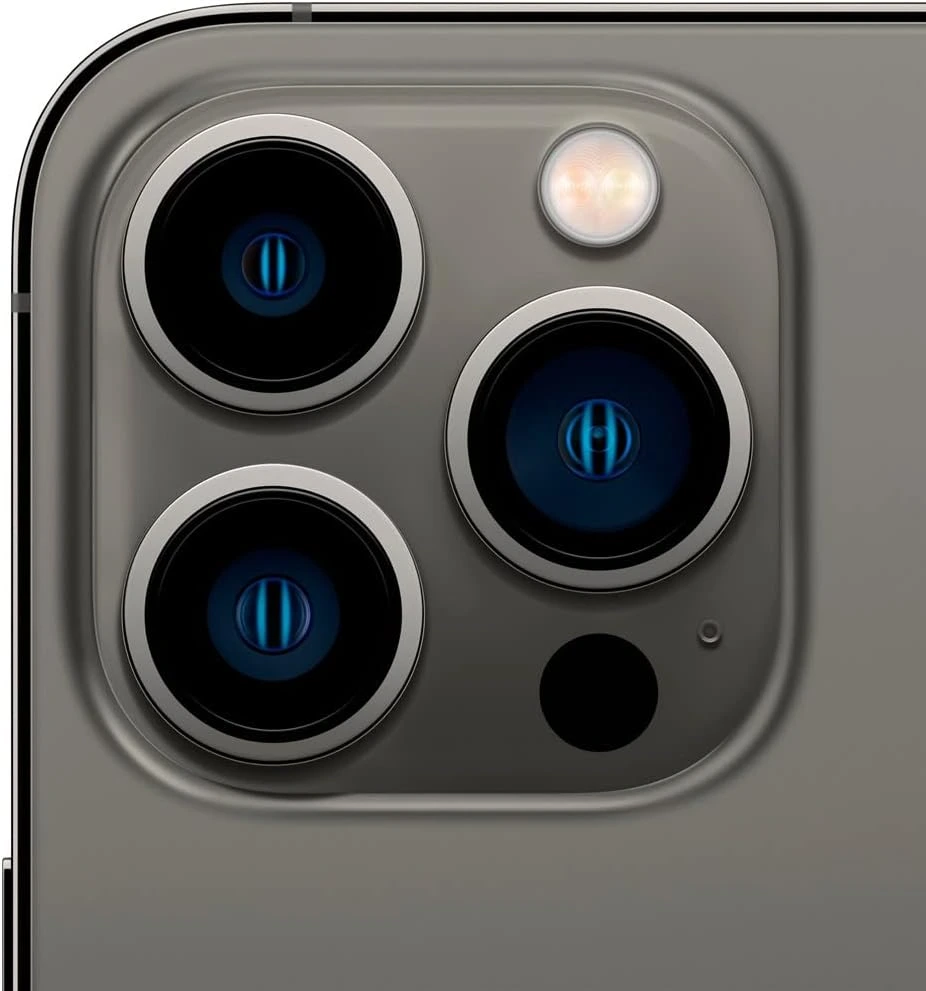
On Pro and Pro Max models, test the available Ultra Wide, Main and Telephoto camera options.
Check Portrait Mode, video recording, autofocus and flash.
Camera quality is a major reason people choose iPhones, so ensure the functions advertised for the model work correctly.
8. Verify the IMEI and Storage Capacity
Open Settings → General → About to confirm the device's model, storage capacity, serial number and IMEI.
The details should match what the seller advertised.
Where possible, review Apple's coverage information and obtain proof of purchase.
Remember that an IMEI or serial number alone cannot guarantee that the phone is genuine, legitimately owned or free from blacklisting.
9. Inspect the Body and Test Essential Functions
Carefully examine the frame, screen edges, rear glass, camera lenses and charging port.
Look for dents, cracks, unusual gaps or signs of previous damage.
Make a test call, record a voice memo, charge the phone and test the speakers, Wi-Fi, Bluetooth and mobile connectivity.
Also ask whether the phone has suffered water damage.
An older iPhone should never be assumed to retain its original water resistance.
10. Check for Remote Management Restrictions
Some imported iPhones were previously owned by companies or educational institutions.
These devices may still be enrolled in organizational management systems, commonly called MDM.
During a fresh setup, check for unexpected Remote Management screens.
If organizational management is present, ask the seller to arrange authorized removal before purchasing.
Do not rely on temporary workarounds that may stop working after a reset.
Five Warning Signs You Should Never Ignore
Before paying for an imported iPhone, watch out for these red flags:
iCloud Locked: The device requests another owner's Apple Account credentials.
Face ID Not Working: The seller cannot demonstrate that biometric authentication functions correctly.
Unexplained Parts Warnings: The phone displays component warnings that the seller refuses to explain.
Network Restrictions: The phone cannot work with your intended Kenyan mobile operator.
Pressure to Pay Immediately: The seller discourages inspection, testing or verification of the device.
A trustworthy seller should be willing to discuss the phone's condition, known repairs and applicable warranty or return terms.
Is Ex-UK Better Than Ex-US?
This is one of the most common questions customers ask.
The answer is simple: Neither is automatically better.
An Ex-UK iPhone with a degraded battery, damaged screen and faulty Face ID could be a worse purchase than a properly maintained Ex-US iPhone.
Similarly, a well-maintained UK-market iPhone could be preferable to a US-market device with network restrictions or other defects.
Instead of concentrating on the country of origin, compare:
Battery condition and performance.
Screen quality and repair history.
Face ID or Touch ID functionality.
Network and SIM compatibility.
Physical condition.
Activation and ownership status.
Seller warranty and return terms.
Overall value for money.
Used, Refurbished and Certified Renewed: What's the Difference?
These terms are frequently used in Kenya, but they should not be treated as interchangeable guarantees.
A used iPhone has previously belonged to another user and may be resold without extensive servicing.
A refurbished iPhone has generally undergone inspection, repairs or restoration before resale. The quality and extent of the work depend on the refurbisher.
A renewed iPhone is a marketing description commonly used for inspected or restored pre-owned devices. There is no single universal standard across sellers.
A phone described as Certified Renewed is not automatically Apple Certified Refurbished.
Always ask what certification means, what testing was performed and what warranty covers the phone.